Bodyguard: Red Carpet
Shield the star from the paparazzi
Coming soon to the App Store and Google Play- Free to play
- iPhone and Android
- Offers in-app purchases
- Contains ads
Screenshots
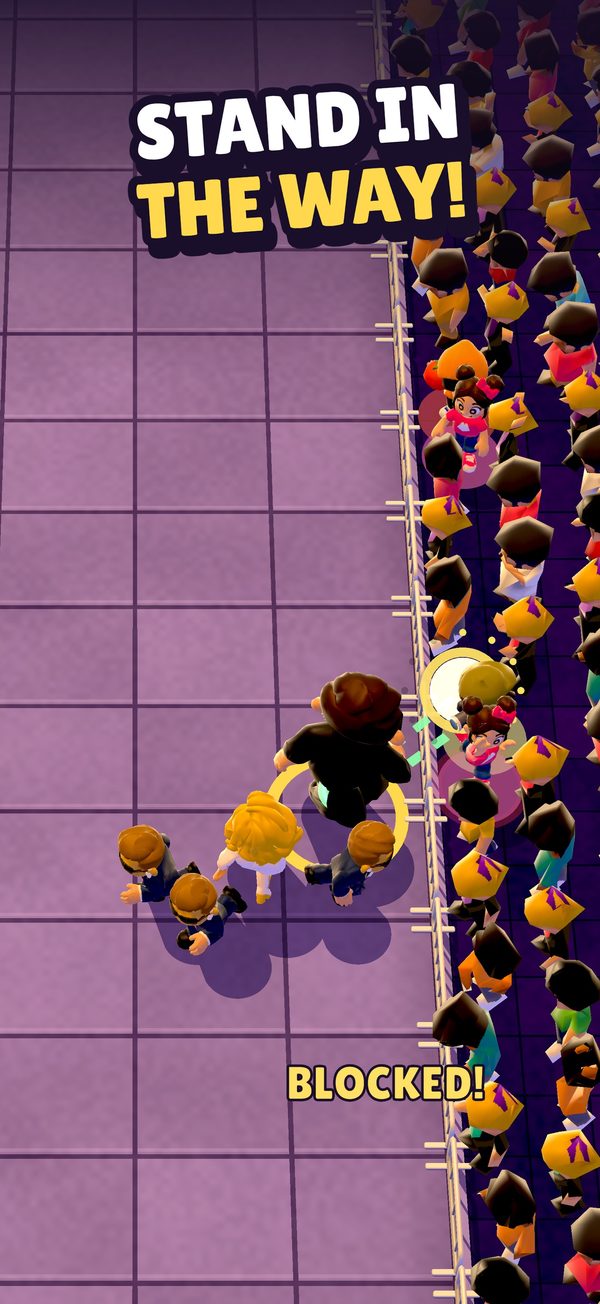
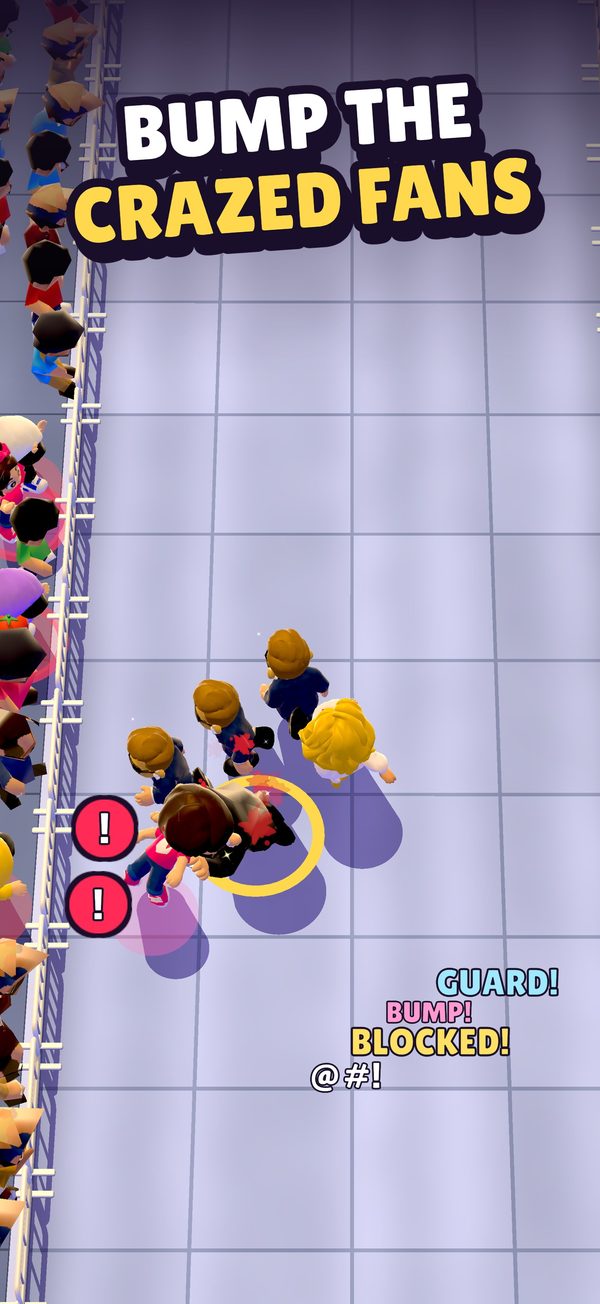
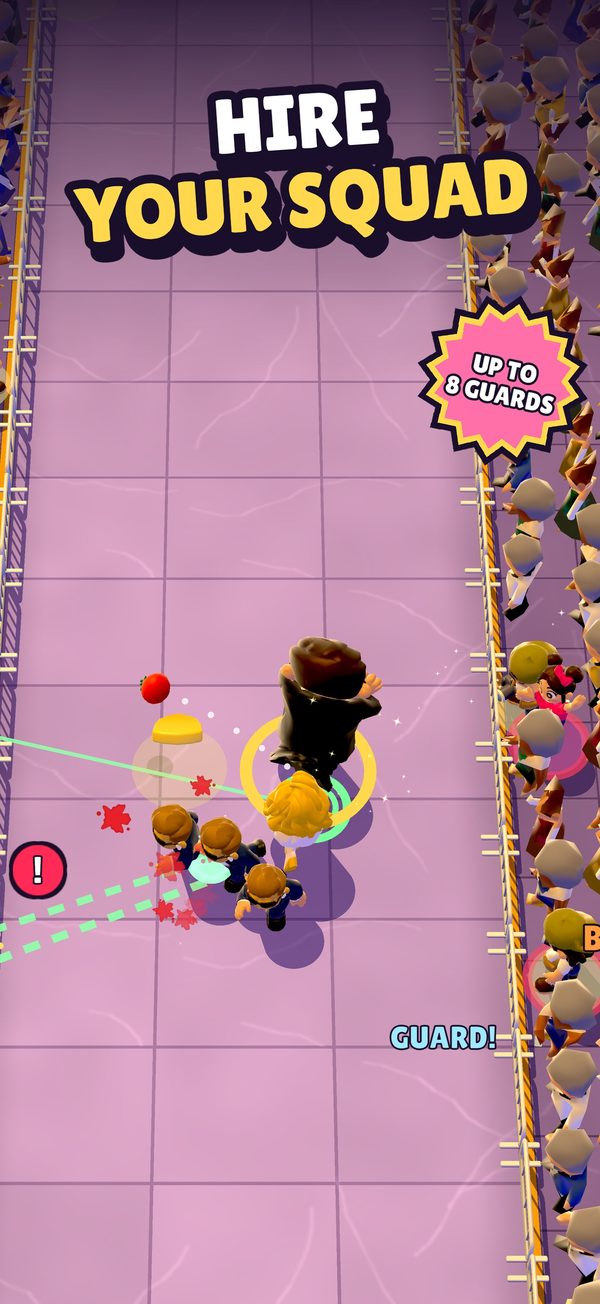
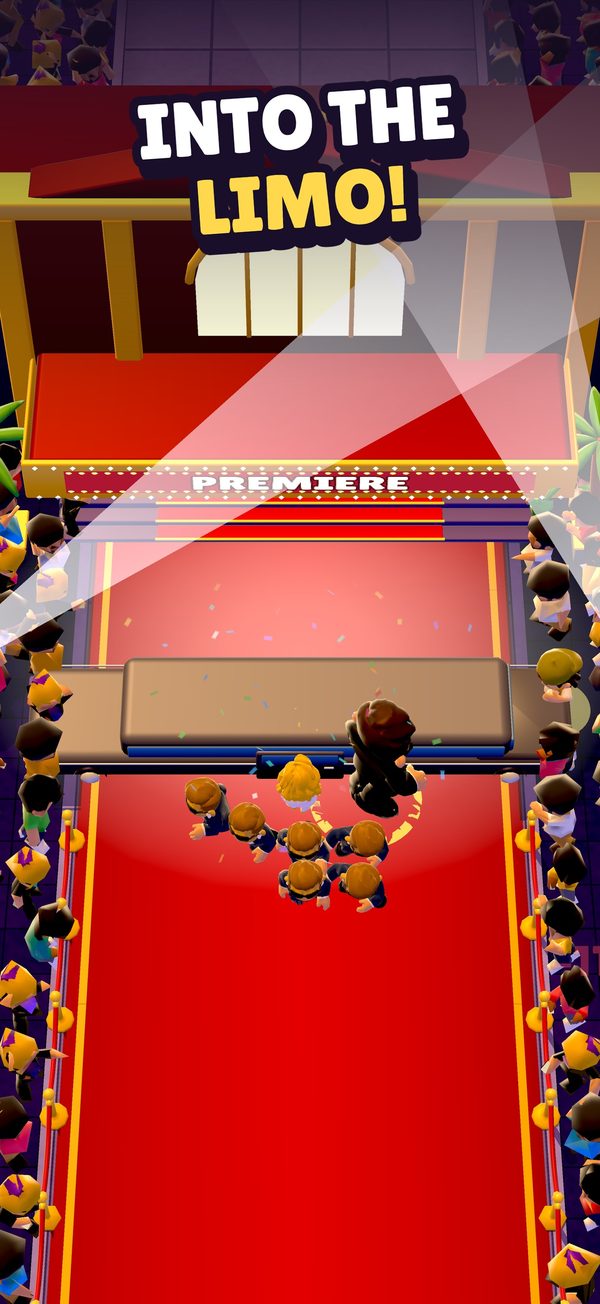
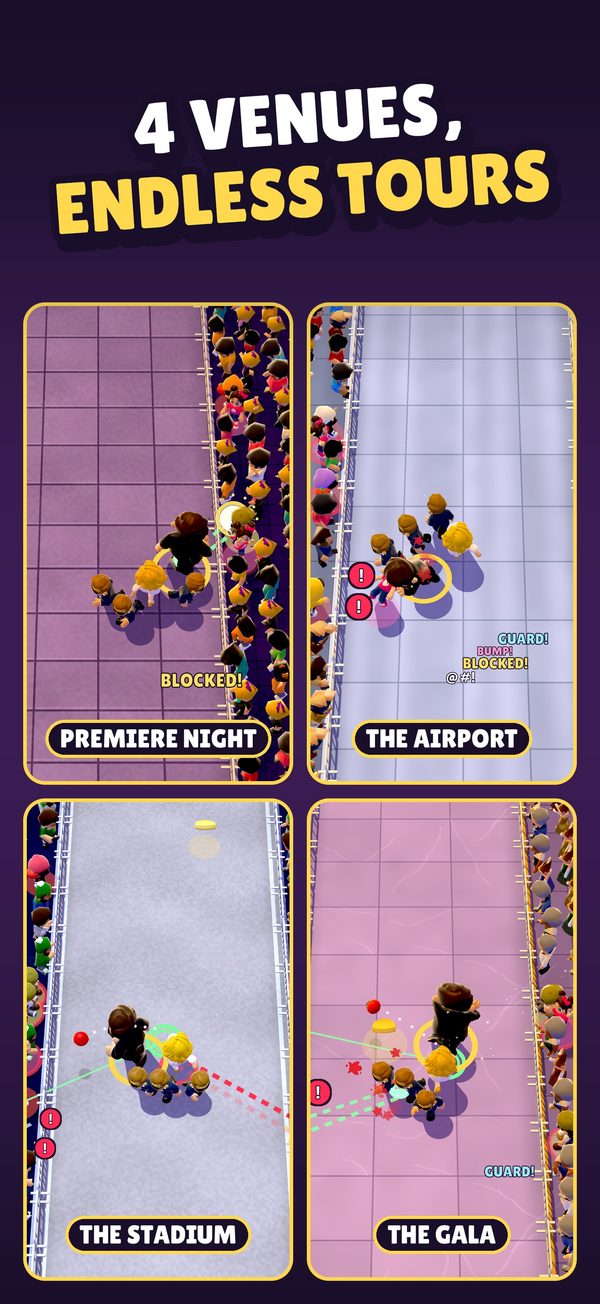
Take the hits, so the star doesn't have to
Bodyguard: Red Carpet is an arcade game about a celebrity's walk down the red carpet to her limo, and everyone who wants a piece of her on the way. You're her bodyguard. Drag with one finger to move, and stand between her and every threat: take the paparazzi's flashes, catch the tomatoes and eggs, bump away the fans who vault the barriers, and block a sniper's red laser with your body. Every hit she takes costs her composure, and at zero she storms off. Shield badges along the way hire guards who block too, coins buy upgrades between levels, and four venues (Premiere Night, The Airport, The Stadium and The Gala) lead on to new tours, each harder than the last. There's no account; your progress stays on your device.
Bodyguard: Red Carpet is free to play. It shows ads, and offers optional in-app purchases (Remove Ads and a Starter Pack). Rewarded ads are always your choice. The game is for players 13 and over: the action is cartoonish, with no blood, but it has snipers with rifles.
Support
If something isn't working, or you have an idea, write to us. Please tell us your device model, its iOS or Android version and the level number (it's at the top of the screen during a level, next to "LV").
How do I play?
Drag anywhere on the screen with one finger, and your bodyguard follows. The star walks the red carpet by herself; your job is to stand between her and each threat. Stand on a photographer's flash line to take the flash, stand in the path of a tomato or an egg to catch it, bump away fans who vault the barriers, and step into a sniper's red laser to block the shot with your body (BULLETPROOF!). Every hit she takes costs her composure: at zero she storms off, and if she reaches her limo, you win. A level lasts 50 to 72 seconds, and the last 12 are the RED CARPET! finale.
It's too hard.
Grab the shield badges along the way: each one hires a guard who blocks for her too, up to eight. Between levels, spend coins on upgrades: Sprint, Broad Shoulders (a wider block) and Agency (start with guards on the team). Two optional ads can help as well: +1 Guard on the home screen adds a temporary guard to your next level, and when her composure runs out, Calm her down gives you a second chance at 50% composure, once a level.
What are coins for?
You earn coins for every block and every win. Spend them between levels on upgrades (Sprint, Broad Shoulders and Agency), and on suits in the wardrobe. There are eight suits: Classic black, Navy, Charcoal pinstripe, White tux, Midnight velvet, Tactical, Crimson and Gold (the Gold suit comes with the Starter Pack). Suits change your look, not the game. A short optional ad on the result card doubles the coins from a level.
I bought Remove Ads or the Starter Pack on another device, or before reinstalling.
Open Settings › Restore purchases while signed in with the account you bought with: the same Apple Account on iPhone, or the same Google account on Android.
I still see ads after buying Remove Ads.
Remove Ads turns off the ads between levels. The rewarded ads (Calm her down, ×2 coins and +1 Guard) stay available, because you choose to watch them.
Where is my progress kept?
On your device. There's no account and no cloud save, so deleting the game deletes your progress. Restoring your iPhone from an iCloud or computer backup, or your Android phone from a Google backup, made while the game was installed may bring it back. Purchases can always be restored (see above).
How do I change my privacy choices?
In the game, open Settings › Privacy choices. For tracking on iPhone, go to your iPhone's Settings › Privacy & Security › Tracking. On Android, your advertising ID is in your device's Settings › Privacy › Ads (or Settings › Google › Ads). The Privacy Policy explains what each choice does.
How do I turn off sound, music, vibration or motion?
Settings has a switch for each: Sound, Music, Haptics and Reduced motion.
How do I get a refund?
Purchases are handled by Apple or Google Play, so refunds are too: request a refund from Apple or request a refund through Google Play.
I saw an ad that shouldn't be in this game.
Use the report button on the ad itself, or email us the time and what it showed. The game asks its ad networks for ads suitable for teens and up, matching the game's 13+ rating.
How do I delete my data?
Deleting the game removes everything it saved on your device. For data held by our advertising and analytics partners, email [email protected] with the subject "Delete my data"; the Privacy Policy lists the steps and what is deleted.